Canonical identity brief
Marga Santos
Accountant turned public witness
- Face
- Oval face, brown eyes, left-cheek dimple
- Voice
- Measured voice in Manila Tagalog

Create original Filipino AI dramas, from the first scene to the final cut.
Animated storyboards, scene concepts, character references and series artwork.

The CEO in the driver’s seat
9:16 · Scenes
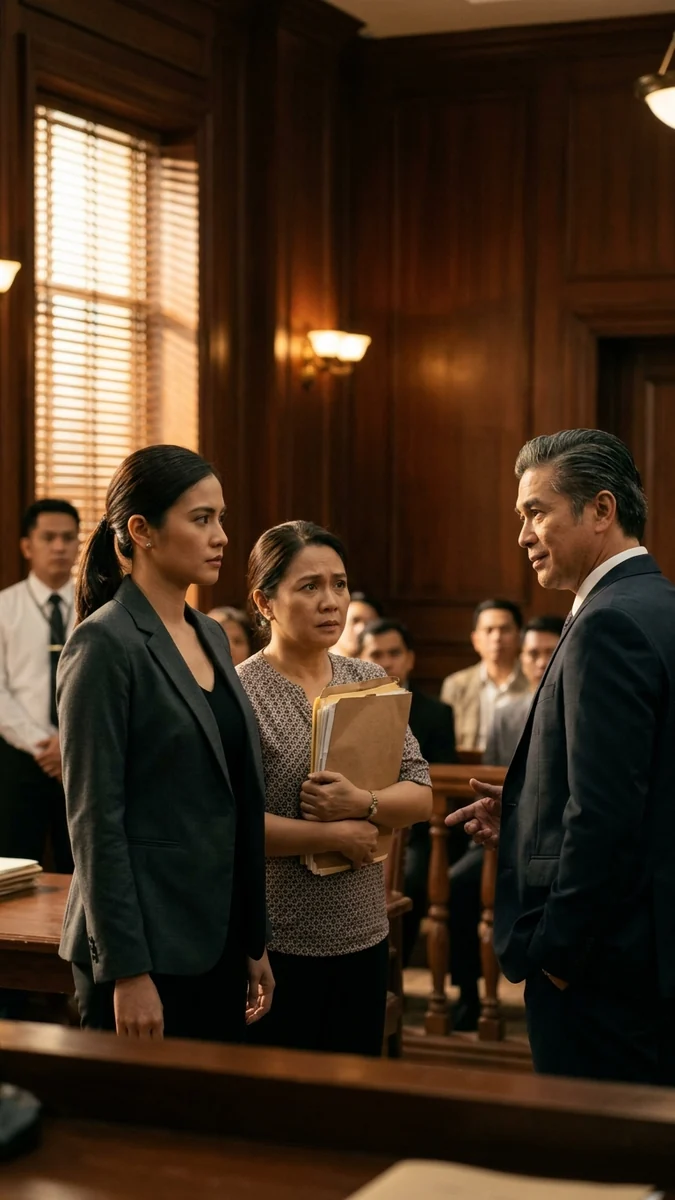
The custody hearing
9:16 · Scenes

Before the market opens
16:9 · Scenes
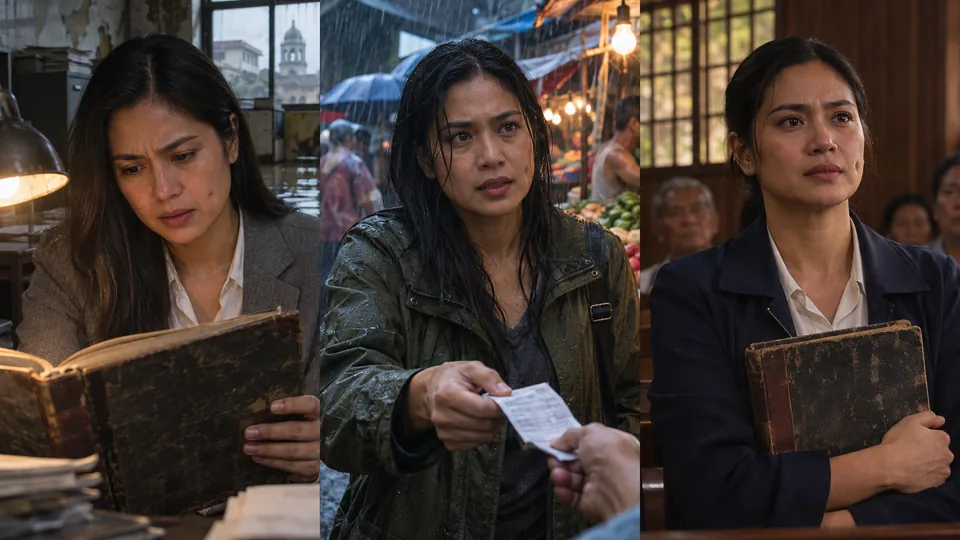
The evidence in three scenes
16:9 · Storyboard animatic · 0:06

From ledger to hearing
9:16 · Storyboard animatic · 0:08

The trial attorney
3:4 · Characters

One date, two secrets
9:16 · Scenes
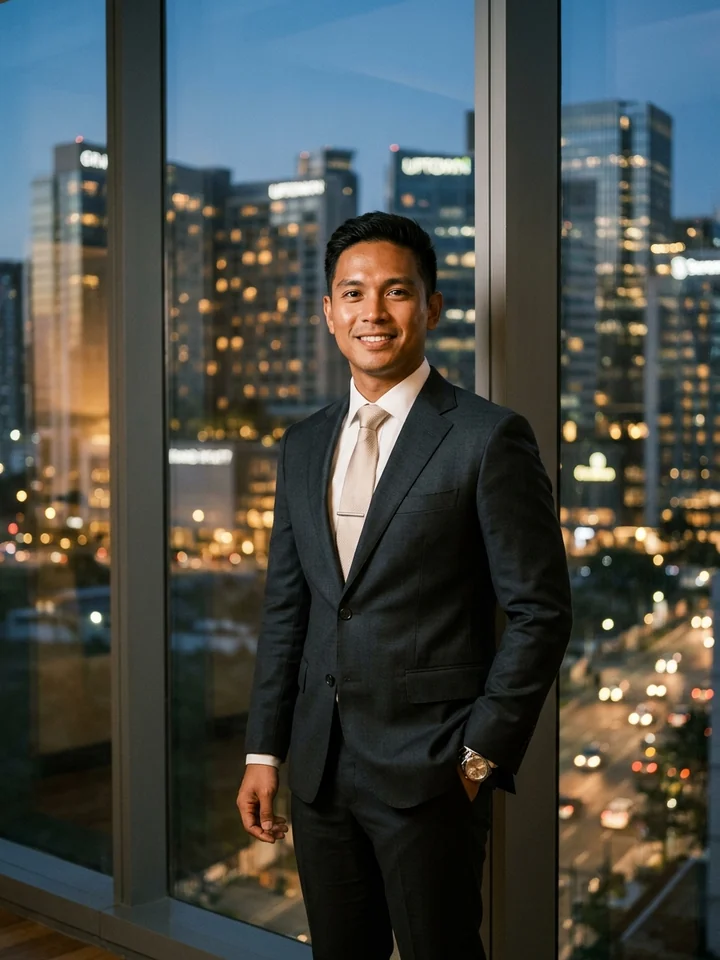
The executive
3:4 · Characters
Browse the cast, story and available previews behind each original series.
Read-only walkthrough · Ang CEO Kong Lihim na Lover

Generate an idea
Sa ika-40 palapag sa BGC, kailangang magpanggap ni Clara na hindi niya kilala ang bagong CEO—ang lalaking lihim niyang karelasyon—habang ipinapahamak siya ng pekeng audit.
Corporate romance · Tagalog / Taglish
Explore the tools and the work they produce.
Shape a premise and draft scenes in Tagalog or Taglish.
Sample story premise
Sa ika-40 palapag sa BGC, kailangang magpanggap ni Clara na hindi niya kilala ang bagong CEO—ang lalaking lihim niyang karelasyon—habang ipinapahamak siya ng pekeng audit.
Keep the approved face and voice as a reference. Track changes in wardrobe and hair by scene.
Canonical identity brief
Accountant turned public witness
Original AI-generated concept art shows Marga in the audit office, at the market, and at the hearing. Other looks pair wardrobe plans with setting artwork.
Compare looks
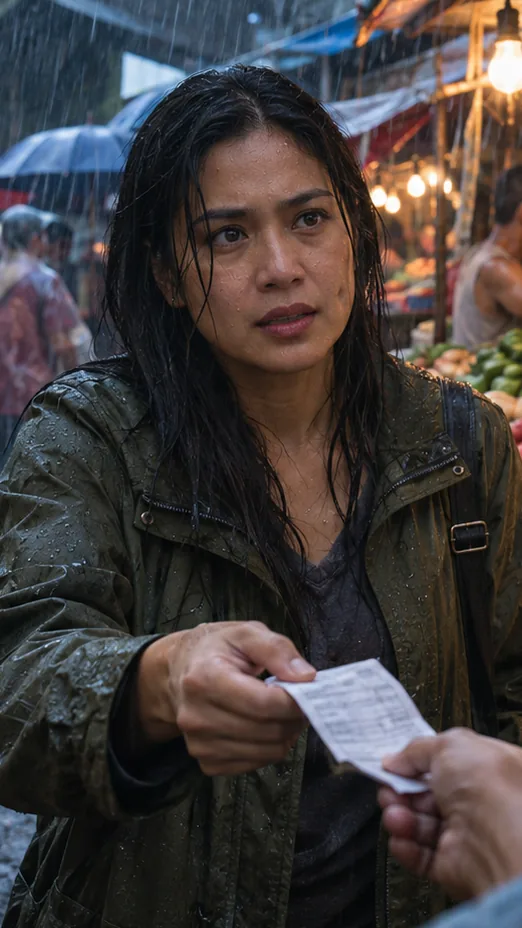
S1 · E1 · Clip 01
Charcoal blazer and white blouse
Straight and worn down
S1 · E2 · Clip 08
Dark olive jacket
Loose and damp from the rain
Review your shots, cut them together, and prepare an episode for delivery.

She looks from the page to an empty chair.
The timeline shows planned cuts. Approved video is pending.
Plan the scope of your first release. Extend the story using established characters and unresolved threads from your Series Bible.
Series scope
3 episodes · 9 planned minutes
Episode preview · S1 E1
Marga finds her father’s signature in the damaged ledger.
9:16 · Taglish · Investigative drama
Series canon · Marga keeps the same identity and the ledger remains her evidence.
Use your own Google account to generate approved shots, or check whether ReelScript managed production is available.

For creators who want to run generation themselves. Sign in directly with Google and approve each shot using the models and credits available to your account.

When available, ReelScript coordinates approved work without requiring your own Flow connection.
Write a series, build your cast, and take your scenes into production with one-time access to ReelScript Studio.
Google Flow plans and credits are separate. Optional managed production has a service fee and separate generation charges when available.
ReelScript Studio
One-time software access
No recurring ReelScript platform subscription.
Checking purchase availability…
Check what you get, how manual review works, and what to bring to your first production.
Pay using the recipient details on your account’s order.
Write a Filipino story, develop its cast, and direct every episode from one studio.